Improve your hockey shot

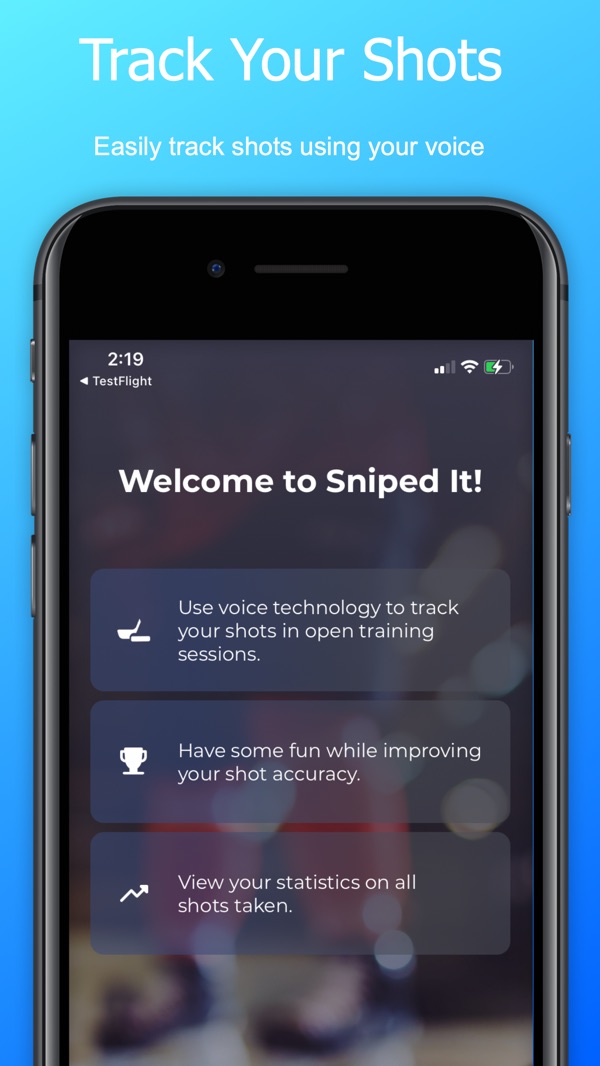
Sniped It! is a free iPhone app that tracks your hockey shots by voice.
Call every shot honestly, hits and misses, and watch your game improve.

Download on the App Store
QR code for Sniped It! on the App Store

Scan to download

Point your iPhone camera at the code to get Sniped It! free on the App Store.

Or open the App Store page
See how it works

How it works

Call your shot. Sniped It! counts it.

Stop shooting into an open net without keeping score. Sniped It! listens while you train, so your hands stay on your stick and every shot, hit or miss, gets tracked.

  1. Set up your targets

    Put your iPhone within 1–2 m (3–6 ft) of your shooting area and start a session.

  2. Take a shot

    Aim for any of the four corners, or go five hole.

  3. Call it honestly

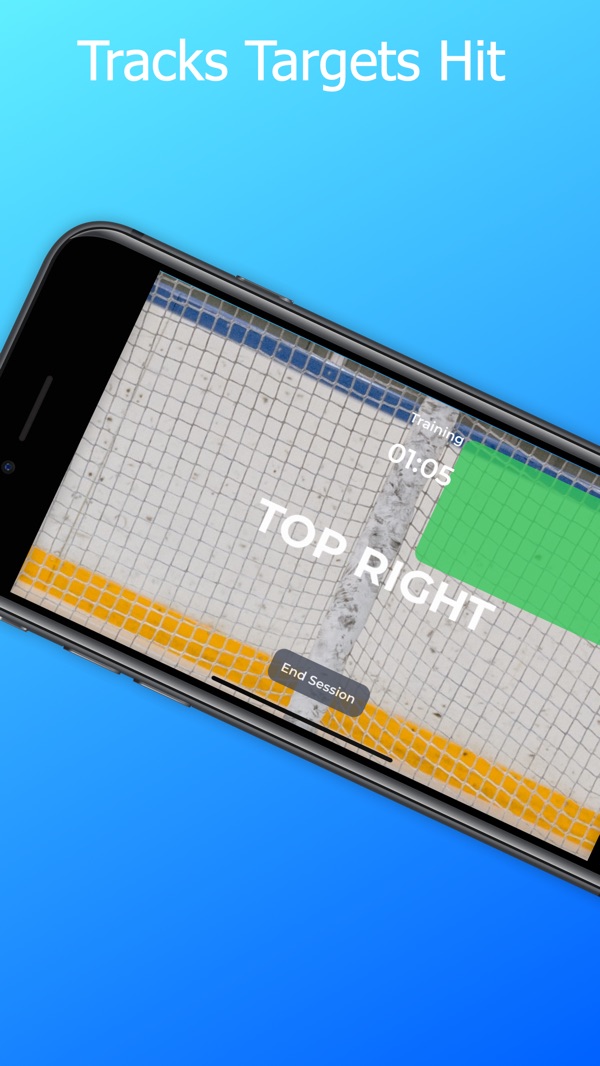
    Say where it went, or “miss”. Sniped It! records it instantly with a sound and an on-screen cue.

  4. Repeat

    Keep shooting. Say “End session” when you're done to see your results.

Voice commands

  • Top left
  • Top right
  • Bottom left
  • Bottom right
  • Five hole
  • Miss
  • Undo
  • End session

Called the wrong one? Say “Undo”, then the right result.

The honor system

Every miss counts. That's the point.

Sniped It! doesn't watch the net. You do. You call every shot, hits and misses, because if you're practicing to get better, padding your stats only cheats you. Honest numbers are the ones that make you a better player.

Misses are data

A miss isn't a failure. It's the information that tells you which corner to work on next. Call it out and it starts working for you.

Aim with intent

Calling every shot makes you pick a target, watch the result and judge it. No more firing pucks on autopilot: every rep has a purpose.

Own your progress

Nobody else is keeping score. Call it straight and your numbers show real improvement, week after week, that you earned.

For parents and coaches, it's a lesson in integrity and self-discipline, not just shooting. Why honest tracking works.

Features

Training that keeps honest score

Open training

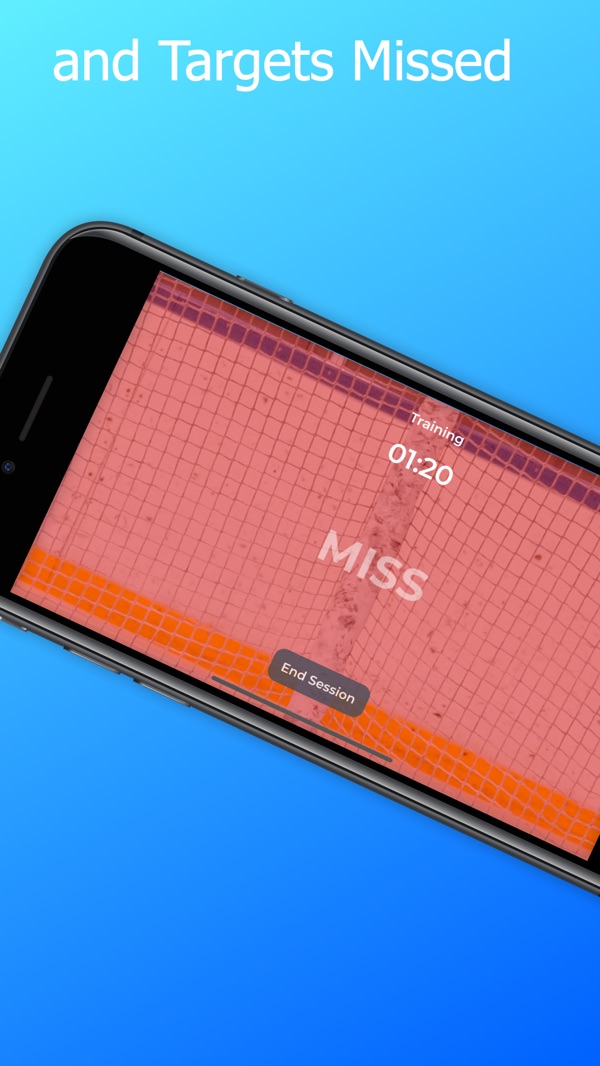
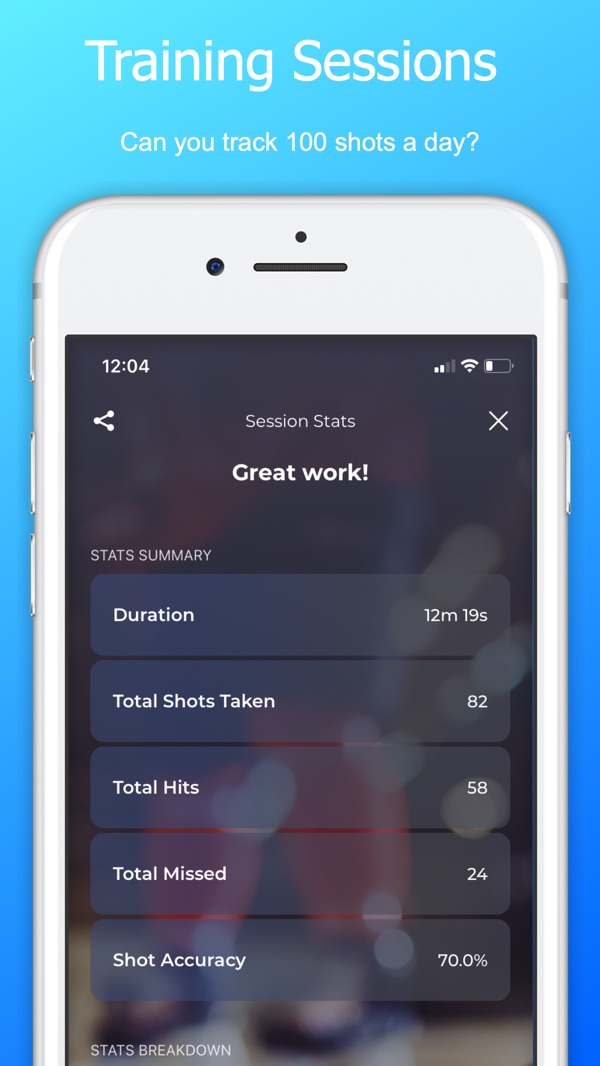
Take as many shots as you like. Sniped It! tracks shots taken, targets hit and missed, shot accuracy and session time.

4 in 4 game

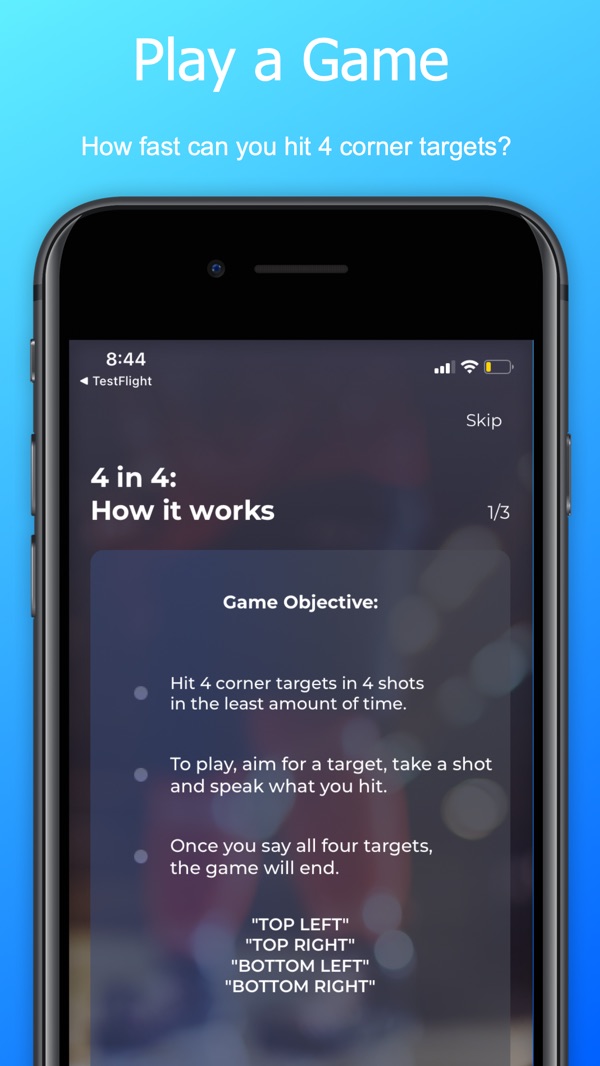
Hit all four corners in as few shots and as little time as you can. Hit a corner twice and it counts as a miss. Share your result and challenge your teammates.

Statistics

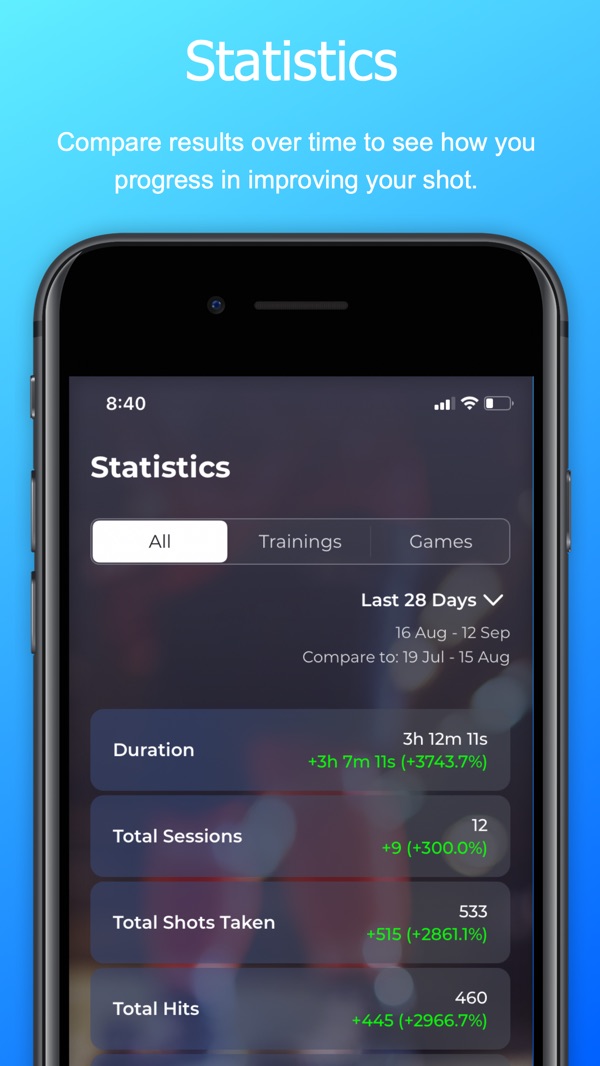
Review every session, compare periods and see which targets you hit most and least, so you know what to work on.

Screenshots

See it in action

Tips

Get the best results

  • Call every shot, including the misses. Honest numbers are the useful ones.
  • Speak loud and clear when you call your result.
  • Avoid loud background noise.
  • Keep your iPhone within 1–2 m (3–6 ft) of your shooting area.
  • AirPods or a wireless headset with a microphone work well.
  • Make sure your battery is charged before a long session.
  • Share your results with teammates, friends and family.

More help on the support page, or read how to improve your hockey shot.

FAQ

Questions, answered

What is Sniped It!?

Sniped It! is a free iPhone app that tracks hockey shooting practice by voice. After each shot you say where it went (top left, top right, bottom left, bottom right, five hole or miss) and the app records your shots, hits, misses, accuracy and session time.

How does Sniped It! know if I hit the target?

It doesn't watch the net. You tell it. Sniped It! runs on an honor system: you call every shot, hits and misses. That needs no sensors, works with any net, and makes you judge each shot yourself. If you're practicing to get better, padding your stats only cheats you; honest numbers show what to work on and how much you're improving. More on honest tracking.

Is Sniped It! free?

Yes. Sniped It! is free to download on the App Store for iPhone.

Do I need special equipment?

No sensors, smart pucks or electronic targets are needed. You need an iPhone, a net and something to aim at, such as corner targets. AirPods or a wireless headset help if you shoot far from your phone.

Where can I use it?

Anywhere your iPhone can hear you: on the ice, in the driveway, the garage or the basement. Keep the phone within 1–2 m (3–6 ft) and avoid loud background noise for the best results.

Does it need an internet connection?

Sniped It! recognizes your voice on the iPhone itself, so you can track shots without a connection on devices that support on-device speech recognition.

More answers on the support page.

Call it. Own it. Improve it.

Start tracking your shots honestly. Sniped It! is free on the App Store for iPhone, helping players track their shots since 2021.

Download on the App Store
QR code for Sniped It! on the App Store

Scan to download

Point your iPhone camera at the code to get Sniped It! free on the App Store.

Or open the App Store page